
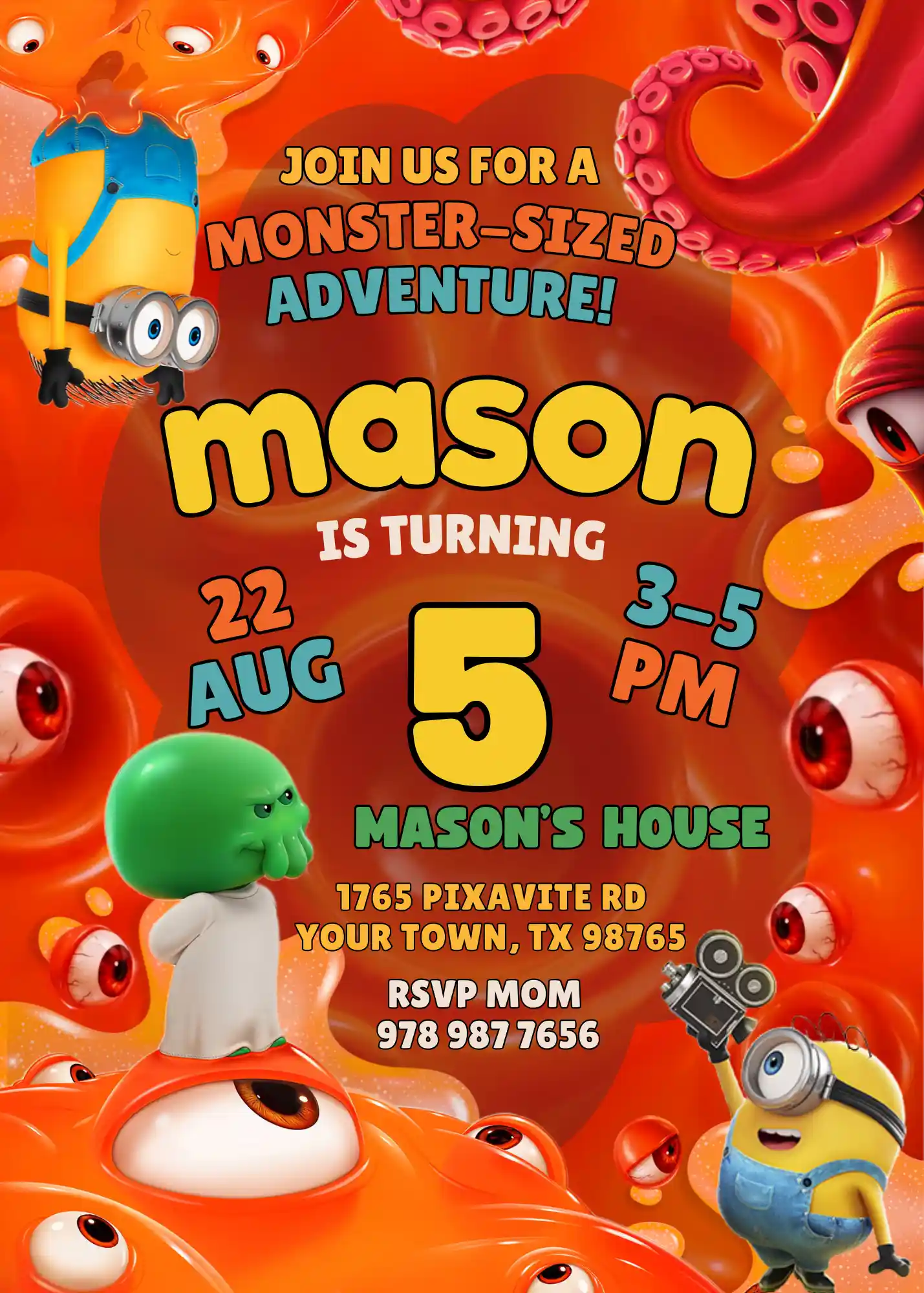
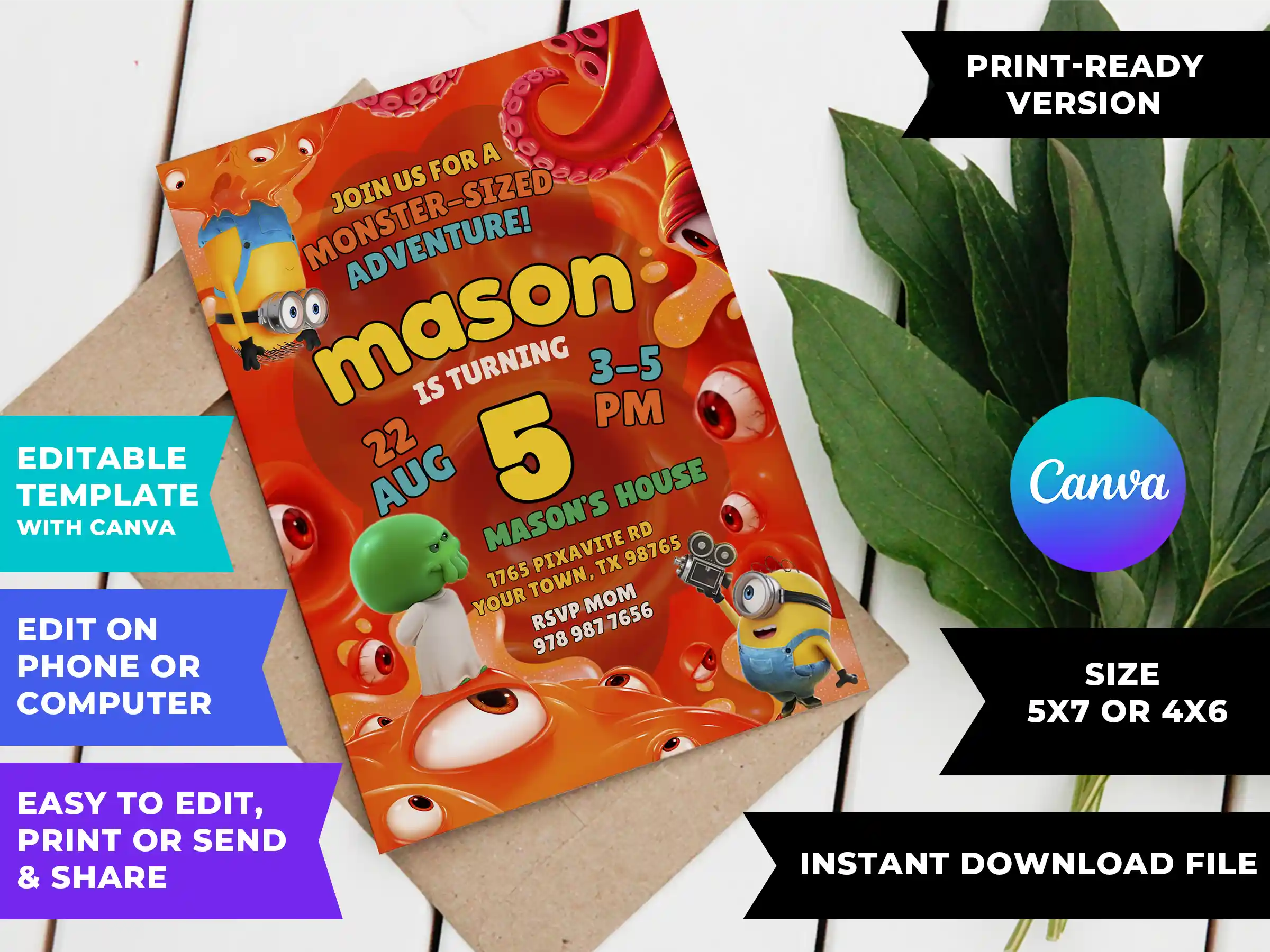
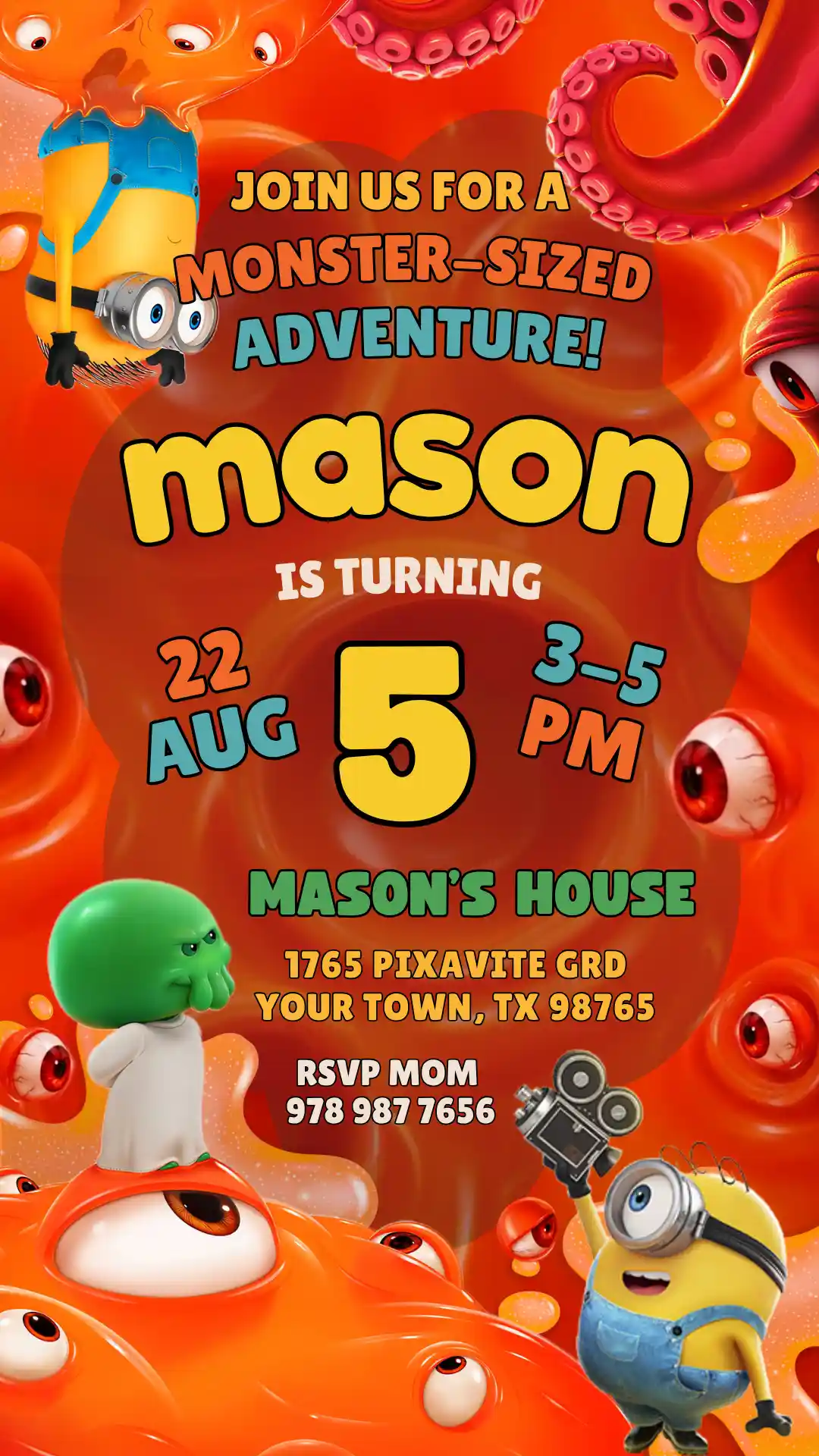
Minions and Monsters Birthday Invitation Template — Editable, Printable & Digital
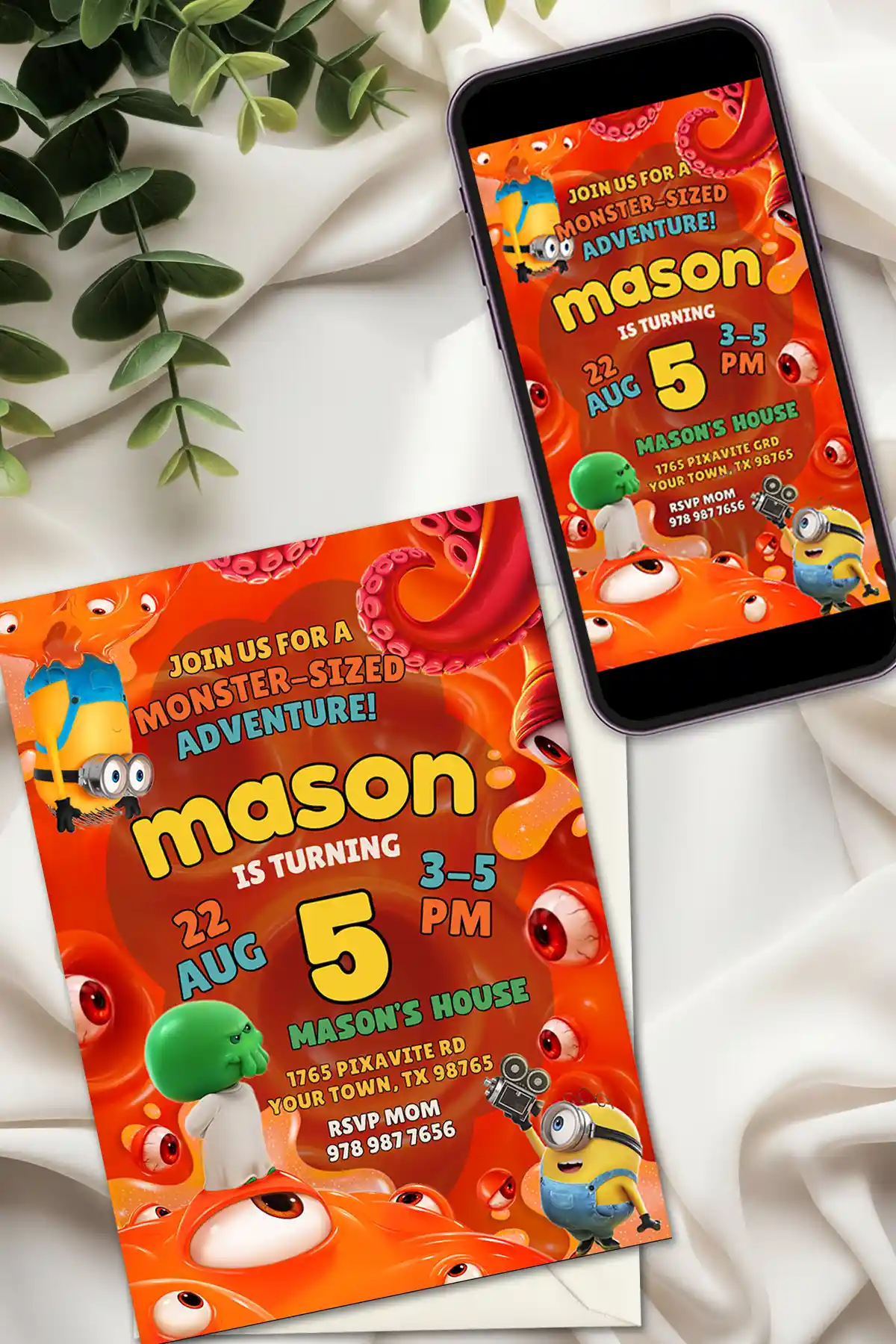
Between the to-do lists and last-minute errands, party planning can eat up every spare minute, so the invitation should be the easy part. This editable Minions and Monsters Birthday Invitation template is ready to personalize in just a few minutes, and it already comes with all the goofy, gooey chaos of the 2026 movie built in.
Maybe you need a Minions and Monsters birthday invite you can print at home, a Minions and Monsters WhatsApp invitation you can send right from your phone, or a template you can edit on any device, either way, this is a hilarious way to get your child’s friends pumped for the party.
What Makes This Minions and Monsters Birthday Invitation Template the Best Choice for Your Party
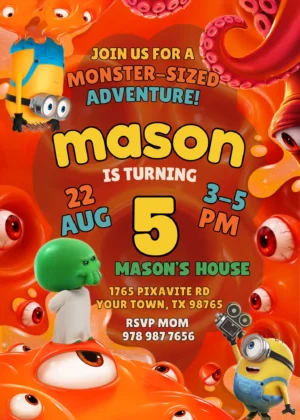
This is a digital, editable Minions and Monsters Birthday Invitation Template made to work inside Canva, the free design tool you can open right on your phone or laptop. The design has a silly, slimy, monster-sized vibe—loud, colorful, and impossible to take too seriously. It looks like a professionally designed invite because it is; you just get to personalize it yourself.
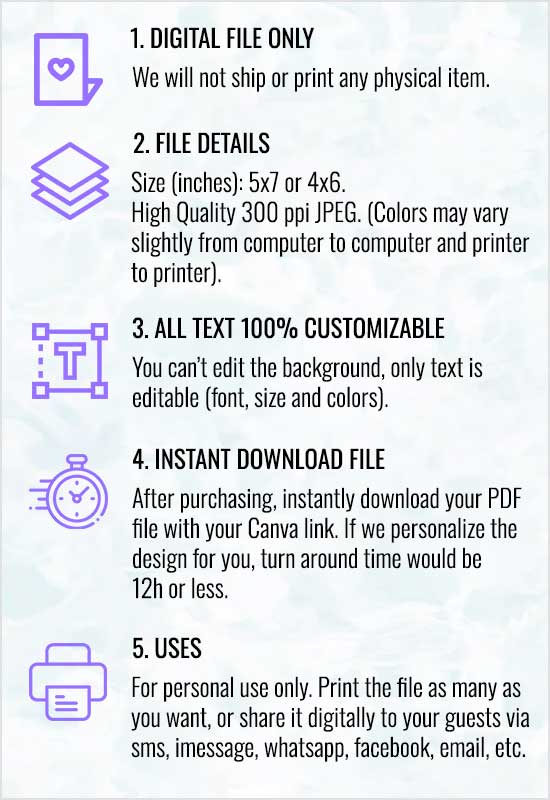
The template is available in three sizes:
- 5×7 inches – standard print size, ideal for mailing or handing out physical invitations
- 4×6 inches – compact print size, perfect for casual drop-offs or bulletin board posting
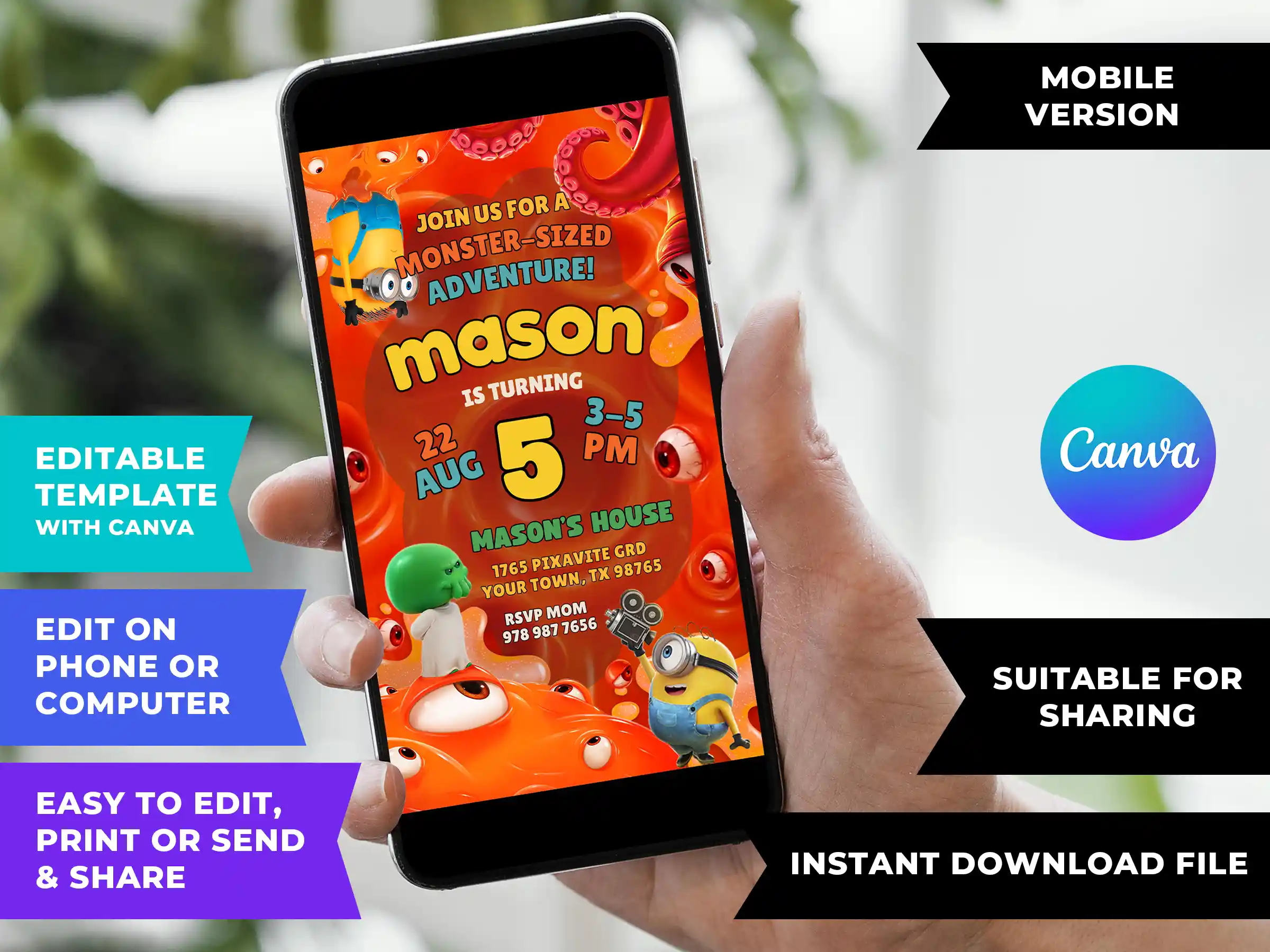
- 1080×1920 pixels (Mobile size) – optimized for Minions and Monsters WhatsApp invitations, iMessage, Facebook, Instagram, text messages, and email
Please select your preferred size before purchasing. Each size is sold separately.
Who Is This Minions and Monsters Birthday Invitation For?
This invitation is made for parents whose kids laugh at every Minion mishap, think googly eyes and green goo are peak comedy, and would much rather have a silly party than a serious one. It’s a great fit if you’re planning a Minions and Monsters birthday party for a boy or girl aged 3 to 8, or if you want something as silly and chaotic as the movie instead of a plain character printout.
If you’re after a Minions and Monsters Party Invitation that gets guests laughing before they even read the details or you need a Minions and Monsters digital invitation for WhatsApp, iMessage, text, or social media—this is the one.
Key Features
| Feature | Details |
|---|---|
| Design | Minions, a green monster, orange goo, and eyeballs |
| Platform | Canva (free account sufficient) |
| Editable elements | All text – name, age, date, time, venue address, RSVP details, personal message, font, color |
| Non-editable elements | Graphics and background illustration |
| Languages | Any language – simply type in your preferred language |
| Add a photo? | Yes – add your child’s photo for free inside Canva |
| Sizes available | 5×7″, 4×6″, 1080x1920px (mobile/WhatsApp/iMessage) |
| Delivery | Instant digital download – PDF with your unique Canva template link |
| Physical shipping | None – this is a 100% digital product |
| Usage | Personal use only – not for resale, redistribution, or commercial use |
How to customize your Minions and Monsters Birthday Invitation — Step by Step
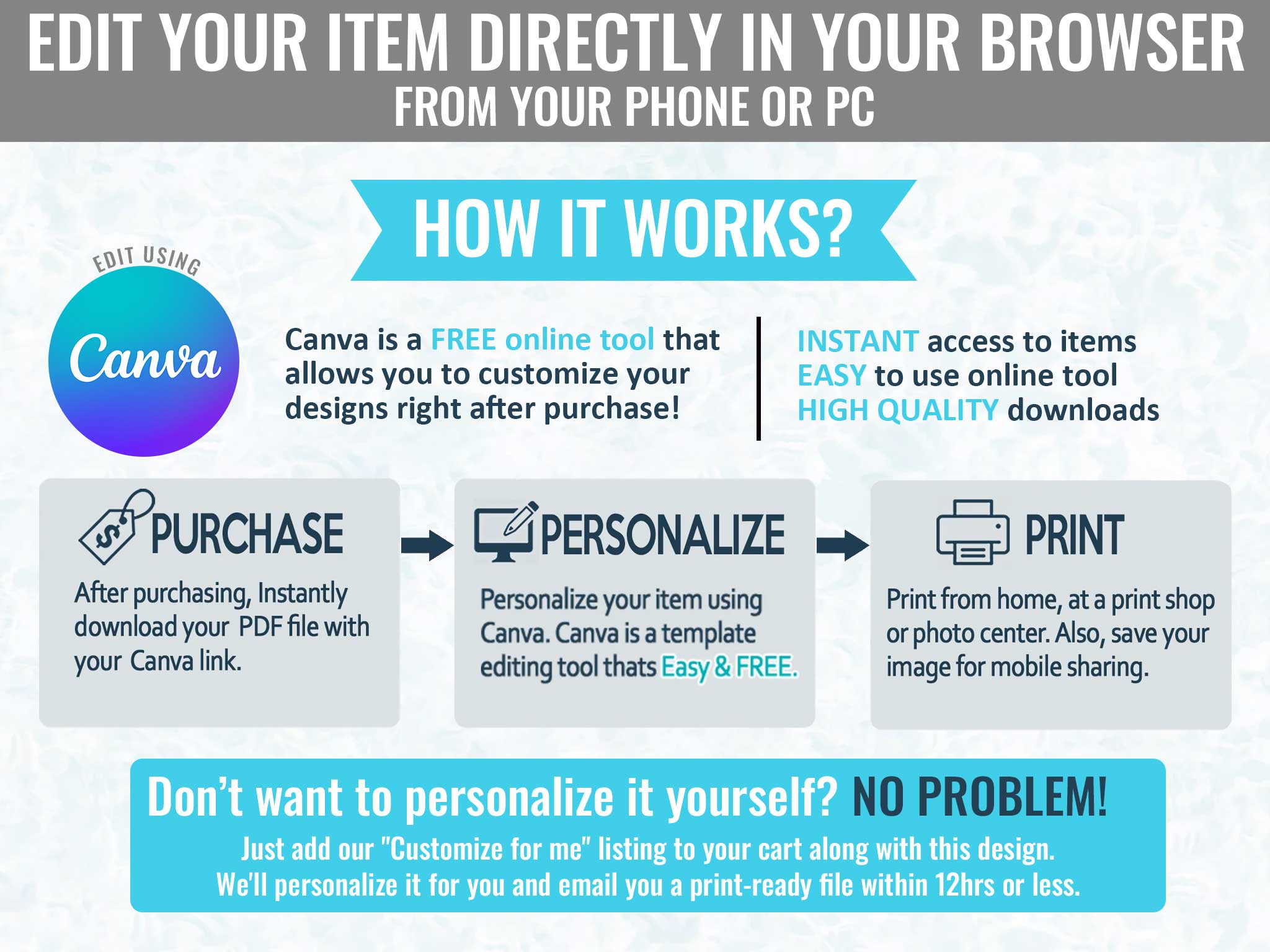
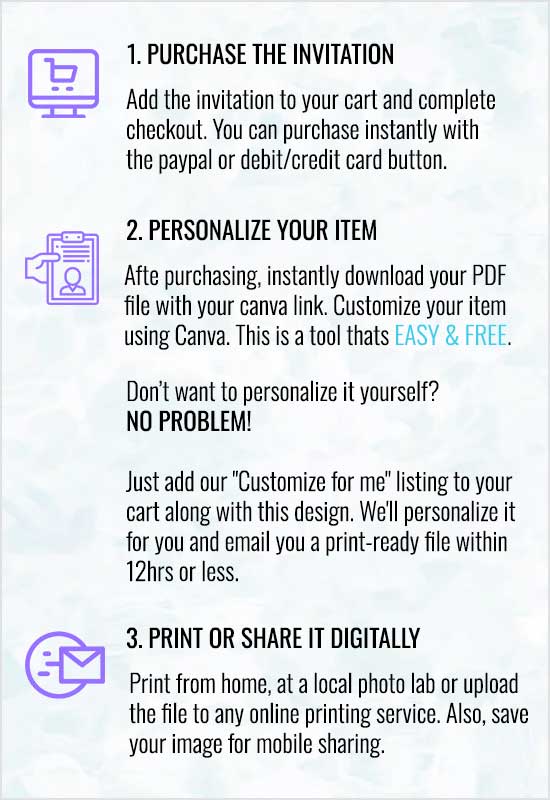
Editing is quick and simple, and you can do the whole thing from your phone. Here’s how it works:
- Buy the size you want from this listing, then open the PDF that arrives right away—it has your unique Canva template link inside.
- Open the link on any device—phone, tablet, or computer. The template loads right in Canva; if you don’t have an account yet, you can make a free one in seconds.
- Tap or double-click any text box and enter your party details: your child’s name, age, party date, time, venue, and RSVP info. Canva saves your edits automatically as you work.
- Once the design looks right, tap Share in the top right corner and download it as a PDF or PNG/JPG.
From purchase to a finished invitation, the whole process usually takes under 10 minutes.
Frequently Asked Questions
Is this a physical product?
No, it’s a digital product only. Once you buy, you’ll get an instant PDF download containing the link to your editable Canva template. Nothing will be shipped to your home.
Do I need design experience or special software to use this template?
Not at all. You’ll do all the editing inside Canva, which is a free, browser-based design tool. There’s nothing to download, you don’t need Photoshop, and you don’t need any design skills. If you can type, you can customize this invitation.
Do I need a paid Canva Pro account to use this template?
No, a 100% free Canva account is all you need to open and edit this template. Here’s why our templates are completely free to use:
- Free elements only, every design uses only free graphics and fonts.
- No hidden fees, you will never be asked to pay anything to download your finished invitation
- No watermarks – your final design downloads clean and clear, with no Canva logos or marks
What details can I customize on the invitation?
You can change the child’s name, age, party date, start time, venue address, RSVP information, and any personal message you want to include.
Can I add my child’s photo to the invitation?
Yes, you can and it’s free. Canva lets you upload and place a photo right inside the template at no extra cost.
Can I translate this invitation into another language?
Yes. Just delete the English text that’s there and type in the language you prefer. This template supports any language.
Can I send the invitation digitally instead of printing?
Yes, definitely. When your design is ready, download it as a PNG or JPG and share it with your guests. The image stays crisp and vivid on every screen—and skipping printing altogether is a perfectly fine option if that suits you better.
What size should I choose for WhatsApp or Imessage?
For digital sharing, choose the 1080x1920px Mobile size. It works with WhatsApp, iMessage, Facebook, Instagram, text messages, and email. Choose 5×7″ or 4×6″ if you plan to print physical invitations.
Can I print this at home?
Yes. Download your finished design as a high-resolution PDF and print it at home on standard cardstock, or bring it to a local print shop (FedEx, Staples, Walmart Photo, etc.).
How many times can I print or share this invitation?
You can print or share it as many times as you like for personal use. The template is for personal, non-commercial use only, and it may not be resold, redistributed, or used for commercial purposes.
What if I need help customizing the invitation?
Pixavite offers two optional add-on services:
- “Customize for me” — send us your party details and we’ll edit all the text for you
- “Add a photo for me” — we’ll insert your child’s photo into the design
We’ll email you a ready-to-print file within 12 hours or less.
What Makes Pixavite the Best Place to Buy Minions and Monsters Birthday Invitations?
At Pixavite, we create birthday invitations that kids actually get excited about and this Minions and Monsters Birthday Invitation Template was designed to do just that. It captures the slimy, eyeball-filled mayhem of Minions let loose in a monster world, so the invite feels as funny as the movie rather than like a plain character graphic. Unlike pre-filled designs on Zazzle, clip art printouts from Party City, or the rigid format of Evite, this template gives you full control inside Canva—every word, every font, every color, your child’s photo, any language, instant download, no watermarks, and no hidden fees. And if you’d rather hand it off completely, our customize-for-me service has your finished invite ready in 12 hours or less.
Complete your Minions Party
After the invites go out, you can keep the monster-movie mayhem going for the whole party. Check out our Minions party supplies collection in our shop for matching banners, cake toppers, thank-you cards, and coordinated decoration printables are all there, so you can turn your home into a Minions movie set.
Order your editable Minions and Monsters Birthday Invitation Template from Pixavite today and get ready for a monstrously fun celebration!
Reviews
There are no reviews yet