
Toy Story 5 Birthday Invitation Template — Editable, Printable & Digital
Toy Story 5 hits theaters this 2026 – and if your child is already counting down the days, this invitation is going to make their birthday feel like the event of the year. This editable Toy Story 5 Birthday Invitation template captures the energy and excitement of the brand new film, featuring the villain every kid is already talking about and the beloved trio that has been part of family movie nights for over 30 years. It is the kind of invite that arrives and immediately gets the whole guest list excited about what is coming.
Whether you need a Toy Story 5 birthday invite to print at home, a Toy Story WhatsApp invitation to send straight from your phone, or a template you can personalize quickly on any device, this is the perfect way to kick off your child’s celebration with the biggest Pixar movie of the year.
The Best Toy Story 5 Birthday Invitation Template You Can Customize in Canva
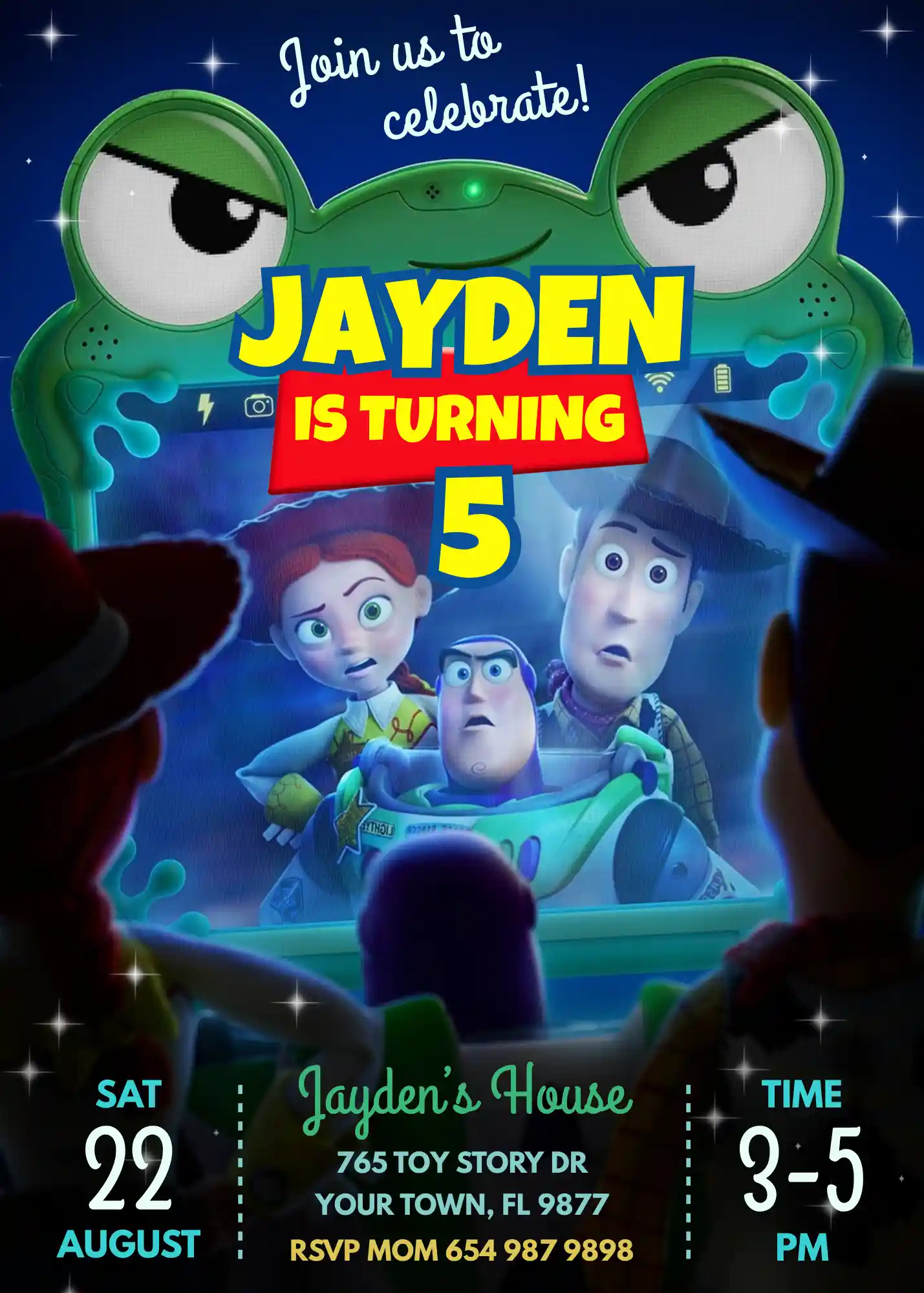
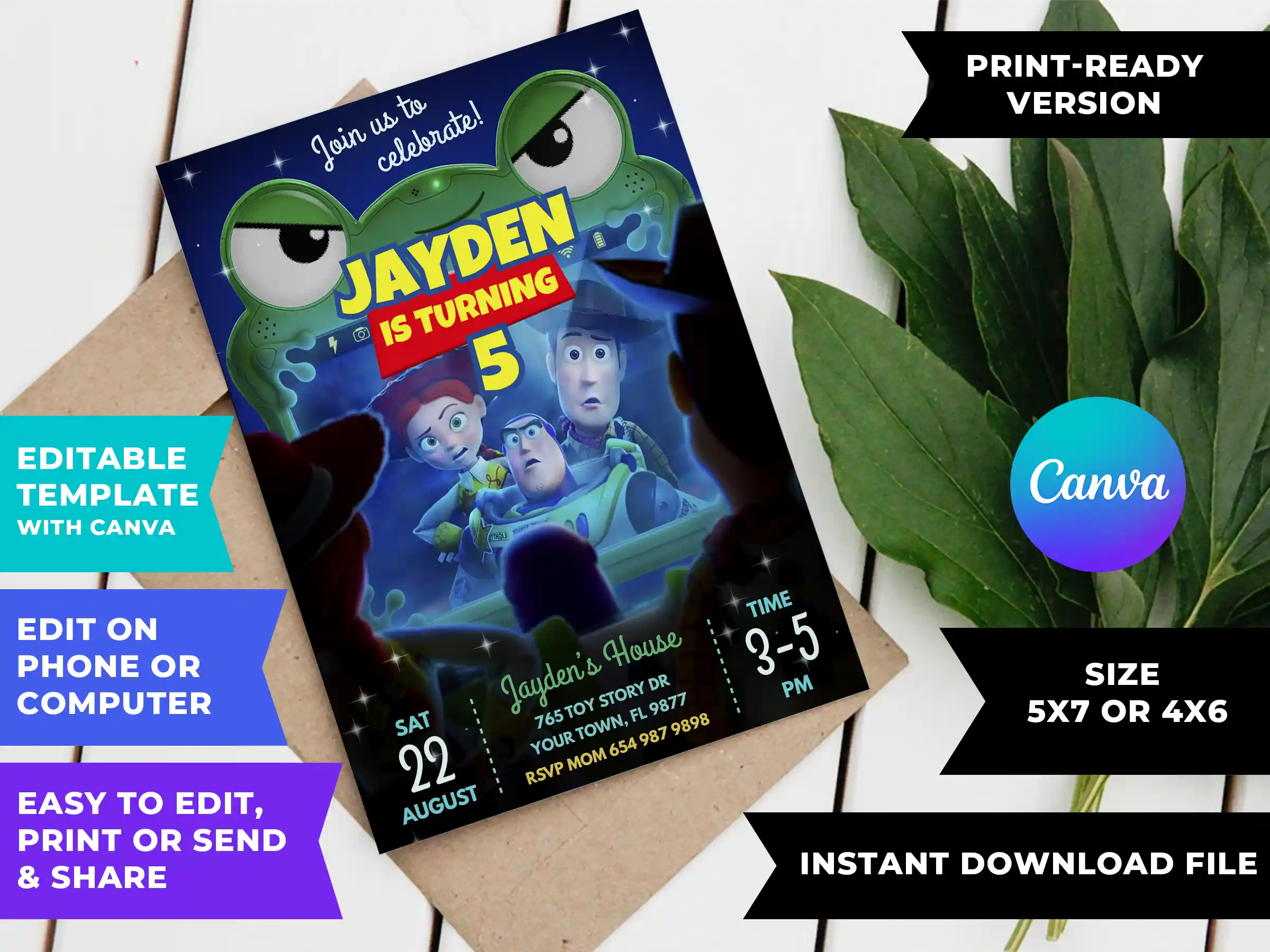
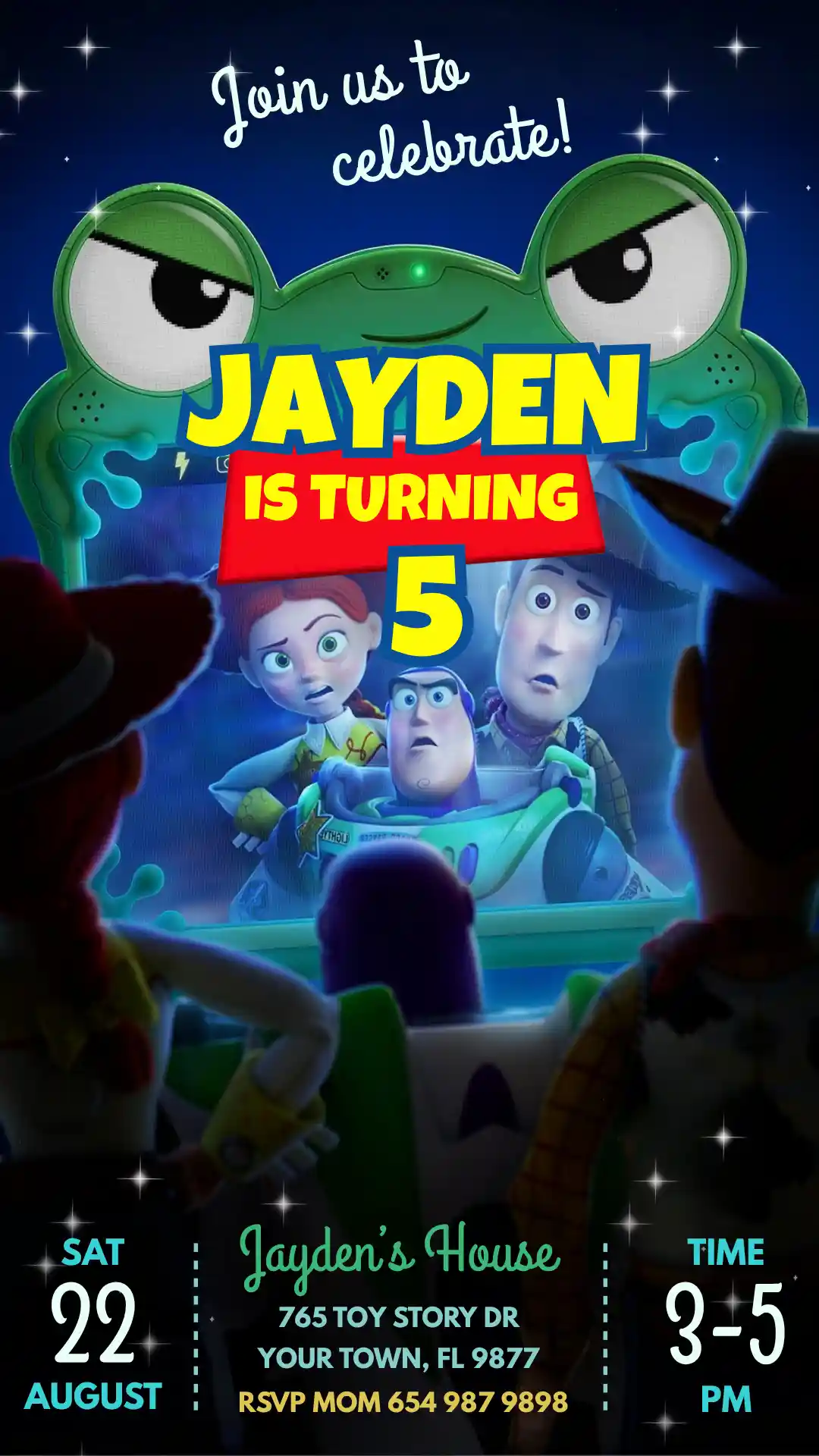
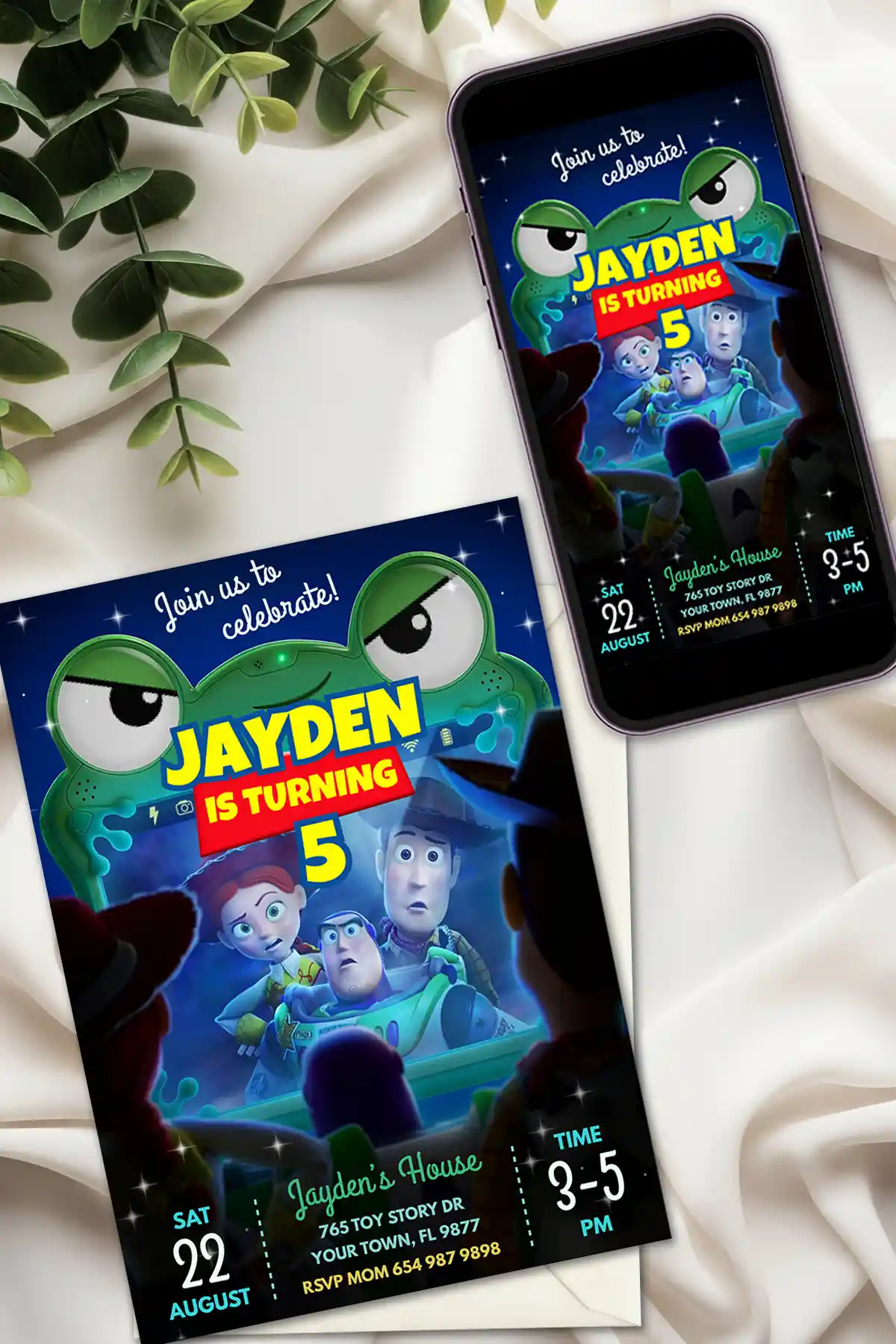
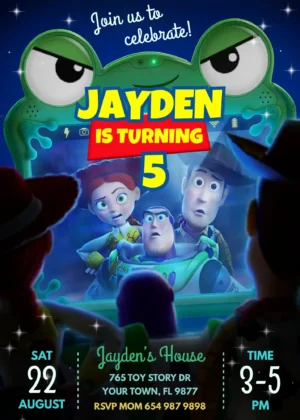
This is a digital, editable Toy Story 5 invitation template built to work inside Canva, the free design tool you can use right from your phone or laptop. It features Woody, Buzz Lightyear, and Jessie appearing on the glowing screen of Lilypad – the frog-shaped tablet villain from the new film – her giant green eyes peering down from above as the toys look up in suspense. It looks like a frame pulled straight from the movie trailer – and your child’s name takes center stage in bold yellow letters right where it belongs.
The template is available in three sizes:
- 5×7 inches – standard print size, ideal for mailing or handing out physical invitations
- 4×6 inches – compact print size, perfect for casual drop-offs or bulletin board posting
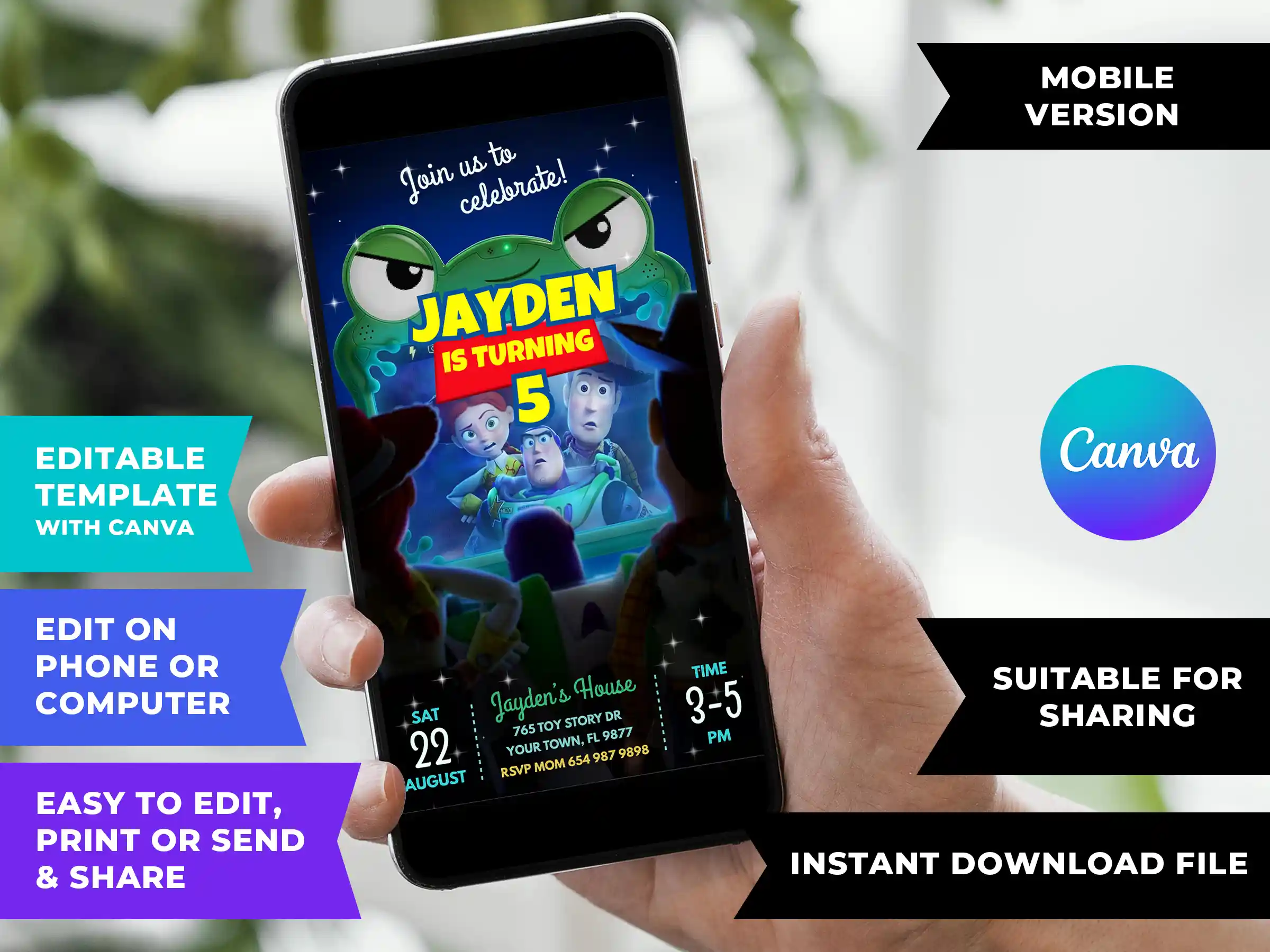
- 1080×1920 pixels (Mobile size) – optimized for Toy Story 5 WhatsApp invitations, iMessage, Facebook, Instagram, text messages, and email
Please select your preferred size before purchasing. Each size is sold separately.
Who is this Toy Story 5 Birthday Invitation for?
This is for parents whose child grew up with Woody and Buzz and can not wait to see what happens in the new movie – and for a whole new generation of kids discovering Toy Story for the very first time through this film. It is perfect if you are planning a Toy Story birthday party for a boy or girl aged 3 and up, if you want an invitation that feels fresh and current rather than a throwback to older movies, or if you have looked through options on Zazzle, Party City, Walmart, or Evite and wanted something tied directly to the new 2026 release that kids are buzzing about right now.
If you want a Toy Story 5 party invitation that rides the excitement of the most anticipated Pixar movie of the year, and anyone who needs a Toy Story digital invitation for WhatsApp, iMessage, text, or social media sharing, this is it.
Key Features
| Feature | Details |
|---|---|
| Design | Woody, Buzz Lightyear and Jessie, Lilypad frog-shaped tablet villain, dark starry background |
| Platform | Canva (free account sufficient) |
| Editable elements | All text – name, age, date, time, venue address, RSVP details, personal message, font, color |
| Non-editable elements | Graphics and background illustration |
| Languages | Any language – simply type in your preferred language |
| Add a photo? | Yes – add your child’s photo for free inside Canva |
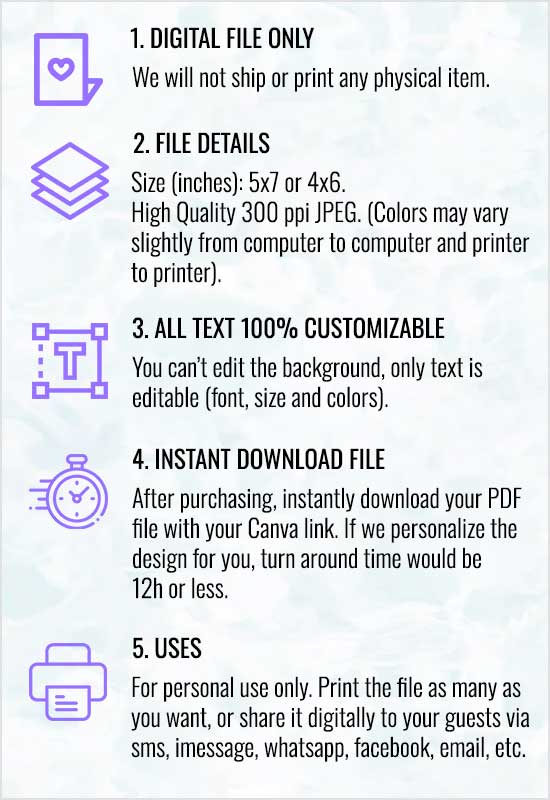
| Sizes available | 5×7″, 4×6″, 1080x1920px (mobile/WhatsApp/iMessage) |
| Delivery | Instant digital download – PDF with your unique Canva template link |
| Physical shipping | None – this is a 100% digital product |
| Usage | Personal use only – not for resale, redistribution, or commercial use |
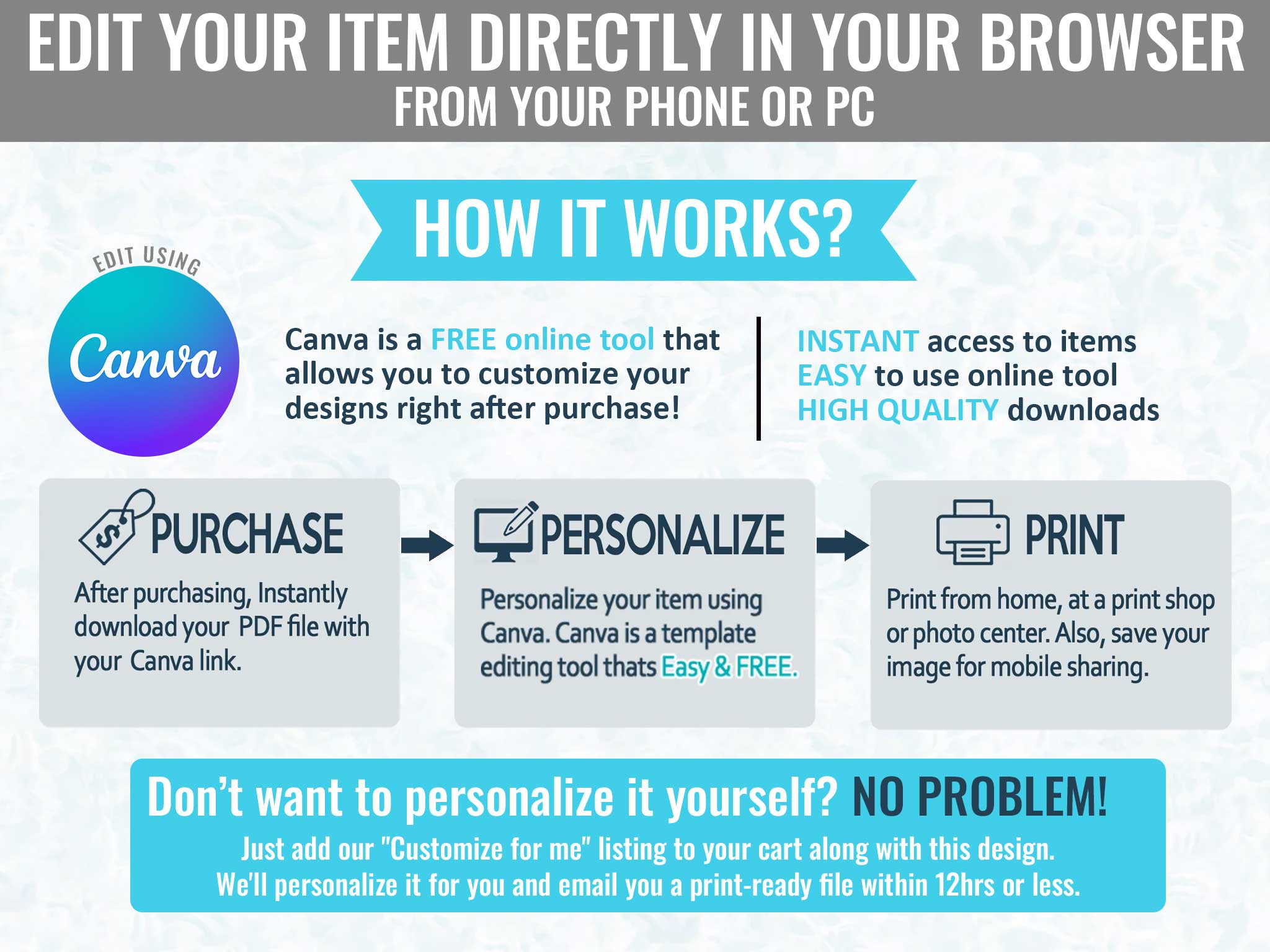
How to customize your Toy Story 5 Birthday Invitation — Step by Step
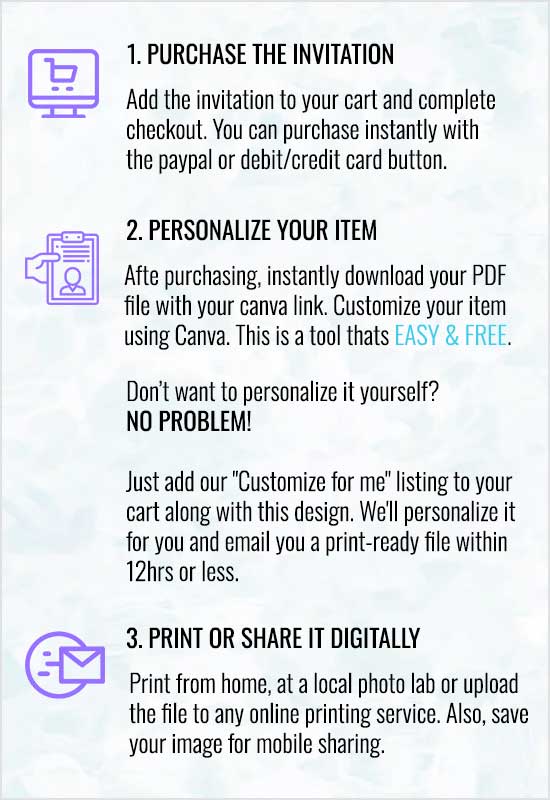
- Purchase your preferred size on this listing
- Receive an instant PDF download containing your unique Canva template link
- Open the link on any device (phone, tablet, or computer) — a free Canva account is all you need
- Edit the text fields: child’s name, age, party date, time, venue, RSVP details
- Change font style and color to match your party theme (optional)
- Add a photo of your birthday child directly inside Canva (free feature)
- Download your finished design as a PDF (for printing) or JPG/PNG (for digital sharing)
- Print at home, at a local print shop, or share digitally via WhatsApp, Imessage, Facebook, Instagram, email, or text
Total time from purchase to finished invitation: under 10 minutes.
Frequently Asked Questions
Is this a physical product?
No. This is a digital product only. You will receive an instant PDF download with a link to your editable Canva template. Nothing is shipped to your home.
Do I need design experience or special software to use this template?
No. This template runs entirely inside Canva, a free, browser-based design tool. No downloads, no Photoshop, no design skills required. If you can type, you can customize this invitation.
Do I need a paid Canva Pro account to use this template?
No – you only need a 100% free Canva account to open and edit this template. Here is why our templates are completely free to use:
- Free elements only – we use only free graphics and fonts in every design
- No hidden fees – you will never be asked to pay anything to download your finished invitation
- No watermarks – your final design downloads clean and clear, with no Canva logos or marks
How do I edit a Canva birthday invitation template after buying it?
Editing is fast and straightforward, and you can do it entirely from your phone. Here is exactly how it works:
- Open the PDF you receive after purchasing and click the Canva link inside.
- The template opens directly in Canva – create a free account in seconds if you do not have one yet.
- Tap or double-click any text box to type in your birthday party details.
- Canva saves your changes automatically as you go.
- When you are happy with the design, tap the Share button in the top right corner to download.
What details can I customize on the invitation?
You can update the child’s name, age, party date, start time, venue address, RSVP information, and any personal message you would like to add.
Can I add my child’s photo to the invitation?
Yes, absolutely — and it’s free. Canva allows you to upload and insert a photo directly inside the template at no extra cost.
Can I translate this invitation into another language?
Yes. Simply delete the existing English text and type in your preferred language. This template supports any language.
Can I send the invitation digitally instead of printing?
Yes, completely. Once your design is ready, download it as a PNG or JPG and share it with your guests. The image quality stays crisp and vivid on every screen – and it is a perfectly valid way to skip printing entirely if that works better for you.
What size should I choose for WhatsApp or Imessage?
Choose the 1080×1920px Mobile size for WhatsApp, Imessage, Facebook, Instagram, text messages, and email. Choose 5×7″ or 4×6″ if you plan to print physical invitations.
Can I print this at home?
Yes. Download your finished design as a high-resolution PDF and print at home on standard cardstock, or take it to a local print shop (FedEx, Staples, Walmart Photo, etc.).
How many times can I print or share this invitation?
As many times as you like for personal use. This template is for personal, non-commercial use only. It may not be resold, redistributed, or used for commercial purposes.
What if I need help customizing the invitation?
Pixavite offers two optional add-on services:
- “Customize for me” — send us your party details and we’ll edit all the text for you
- “Add a photo for me” — we’ll insert your child’s photo into the design
We’ll email you a ready-to-print file within 12 hours or less.
What Makes Pixavite the Best Place to Buy Toy Story 5 Birthday Invitations?
At Pixavite we design birthday invitations that kids actually get excited about – and this Toy Story 5 template was built to do exactly that, from the movie-accurate characters to the details parents notice and appreciate. Unlike pre-filled designs on Zazzle, clip art printouts from Party City, or the rigid format of Evite, this template gives you full control inside Canva – every word, every font, every color, your child’s photo, any language, instant download with no watermarks and no hidden fees. And if you would rather hand it off completely, our customize-for-me service has your finished invite ready in 12 hours or less.
Complete your Toy Story 5 Party
Once the invitations are sorted, bring the whole Toy Story 5 world to life at the party. Browse our Toy Story party supplies collection in the Pixavite shop, including matching banners, Toy Story 5 cake toppers, thank-you cards, and coordinated decoration printables – everything you need to make your child’s celebration feel like stepping straight into the movie.
Order your editable Toy Story 5 Birthday Invitation template from Pixavite today – because the toys are back, and so is the magic.
Reviews
There are no reviews yet